Introduction
Digital devices are now closely connected to work, education, entertainment, and communication. A typical day may involve moving between a mobile phone, laptop, television, and other displays. Spending a long time focusing on these devices can leave the eyes feeling uncomfortable.
Symptoms such as dryness, watering, temporary blurred vision, tiredness, or a dull headache may appear after prolonged screen use. These problems are often related to visual fatigue rather than the screen itself permanently damaging the eyes. Fortunately, everyday habits can make digital activities more comfortable.
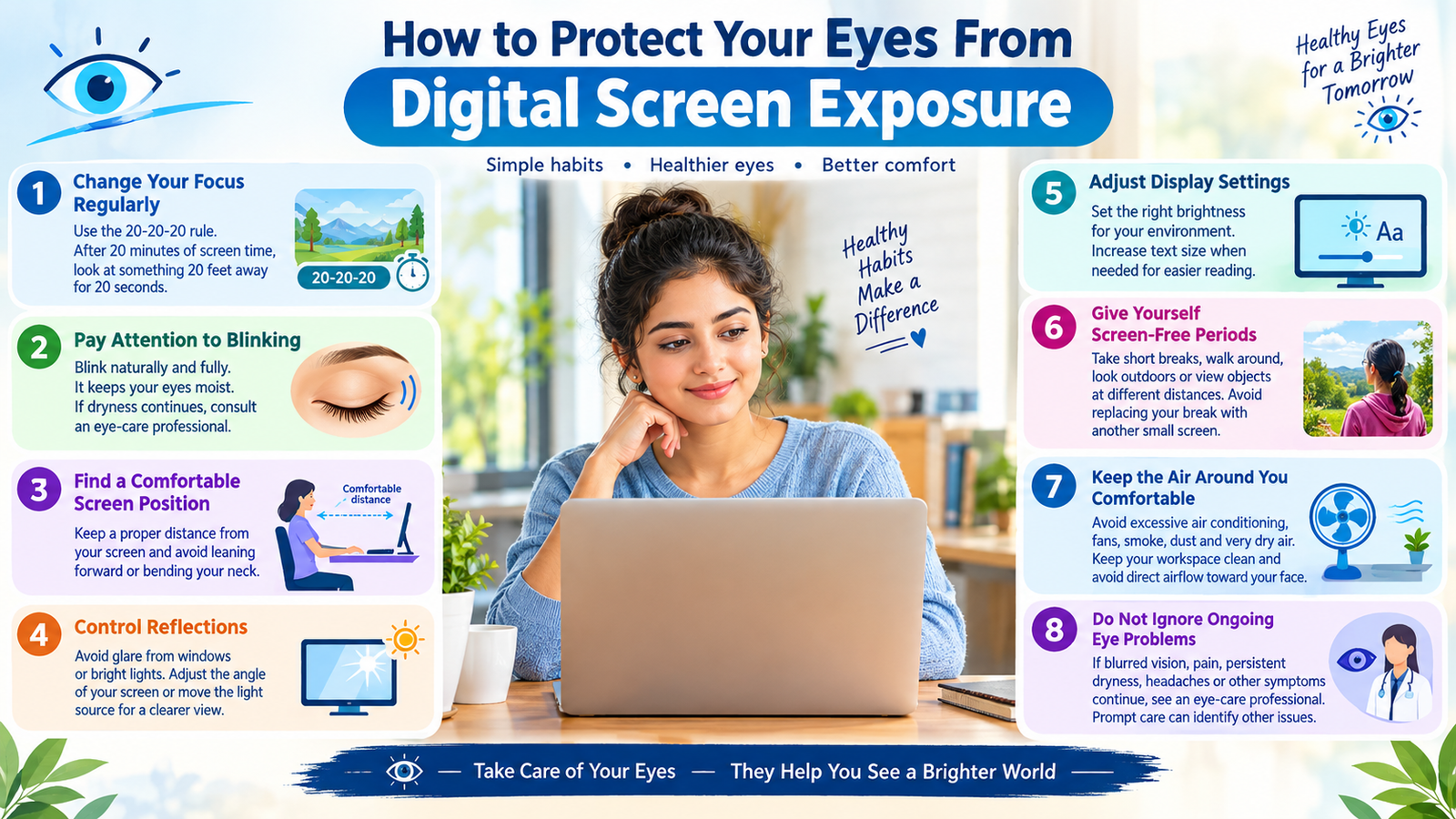
1. Change Your Focus Regularly
The eyes are not designed to remain focused on one nearby object for hours without interruption. During computer work or reading, deliberately shift your attention toward something farther away.
A commonly suggested method is the 20-20-20 approach. After roughly 20 minutes of close-up screen activity, spend about 20 seconds looking at an object approximately 20 feet away. The important idea is to interrupt continuous near focusing rather than staring at the display for an extended stretch.
2. Pay Attention to Blinking
Concentration can make people blink less often without realizing it. This can allow the surface of the eye to become less moist, particularly during long periods of reading, gaming, or watching videos.
Try to blink naturally and fully instead of keeping your eyes fixed on the screen. If dryness remains troublesome, discuss suitable eye drops or other options with an eye-care professional rather than choosing treatment randomly.
3. Find a Comfortable Screen Position
Your screen should be far enough away that you can read comfortably without leaning forward. When using a computer, arrange the monitor so that you can view it naturally without repeatedly stretching or bending your neck.
For phones and tablets, avoid keeping the device extremely close to your eyes for long periods. Comfortable distance matters more than following one exact measurement that works for everyone.
4. Control Reflections
Unwanted reflections can make reading a display unnecessarily difficult. Light coming through a window or shining directly onto the screen may create distracting glare.
Try changing the angle of the monitor, moving the light source, or repositioning your workstation. The aim is to make the content easy to see without forcing your eyes to compete with bright reflections.
5. Adjust Display Settings
There is no single brightness level that is ideal for every room. A display that appears extremely bright compared with its surroundings may feel harsh, while a very dim screen can make reading difficult.
Change the brightness according to the environment and enlarge text when necessary. Increasing the size of small letters can be particularly useful when reading lengthy documents or messages.
6. Give Yourself Screen-Free Periods
Short breaks during the day are useful, but completely stepping away from digital devices for a while can also give your eyes a welcome change.
During a break, stand up, walk around, look outdoors, or simply concentrate on objects at different distances. Try not to replace your computer break with another small screen, because that does not provide much visual variation.
7. Keep the Air Around You Comfortable
Air conditioning, fans, smoke, dust, and very dry surroundings can contribute to eye irritation. If your eyes become uncomfortable while working, consider whether the surrounding environment could be contributing to the problem.
Keeping the workspace clean and avoiding direct airflow toward the face may help some people feel more comfortable.
8. Do Not Ignore Ongoing Eye Problems
Not every eye complaint should automatically be blamed on screen exposure. An uncorrected vision problem, dry-eye condition, or another eye issue can also cause discomfort during close work.
If blurred vision, pain, persistent dryness, recurring headaches, or other unusual symptoms continue, arrange an examination with an eye-care professional. Prompt evaluation can help identify problems that simple screen adjustments cannot solve.
Conclusion
Screens are an important part of modern life, so completely avoiding them is often unrealistic. Instead, focus on how you use them. Changing your visual focus, blinking regularly, positioning devices comfortably, reducing glare, adjusting display settings, and taking meaningful breaks can make extended digital activities easier on your eyes.
Good screen habits are simple, but consistency matters. If discomfort continues despite these changes, professional eye care is the appropriate next step.
Verification code : ES8Q4XM57LK